Make things together
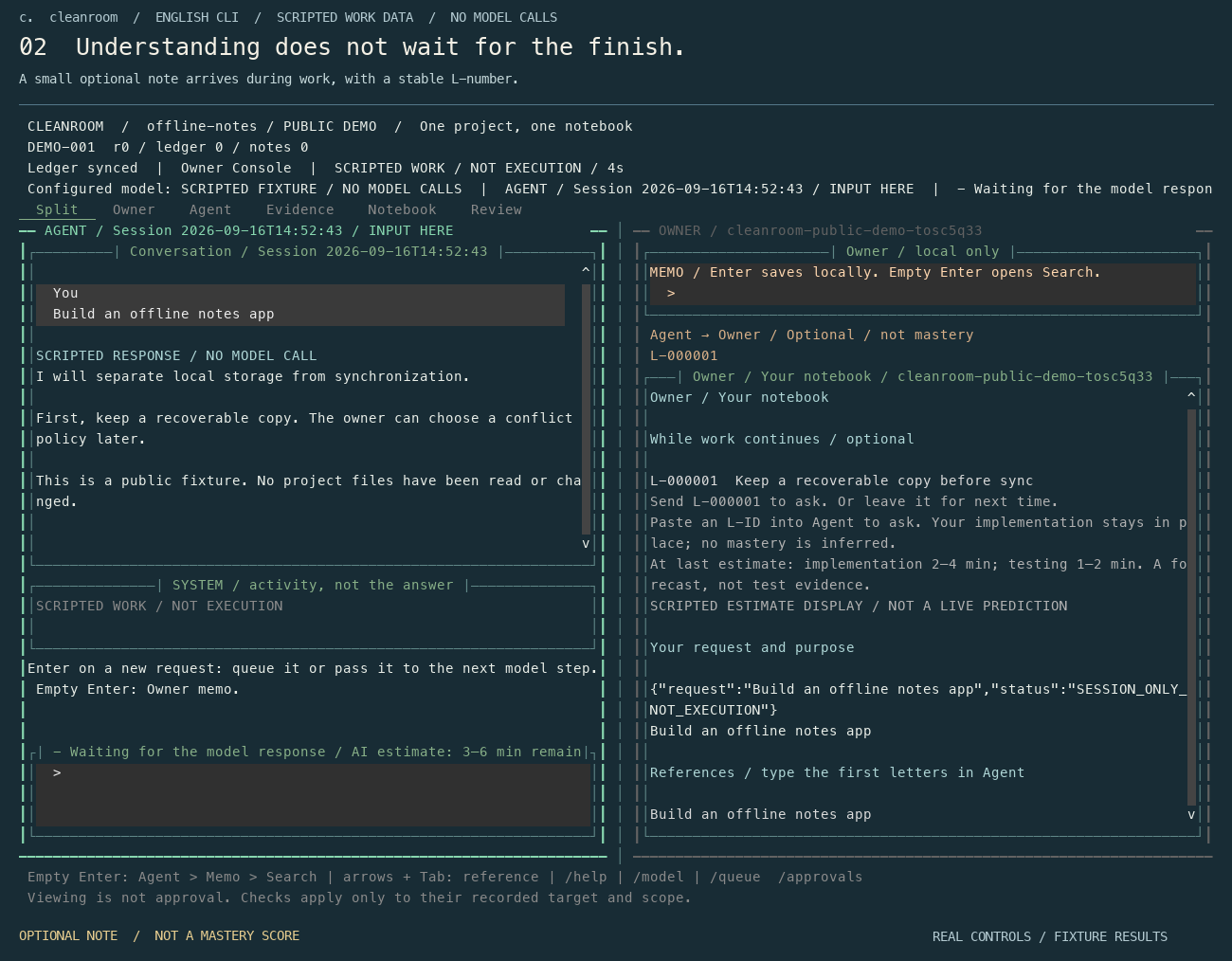
Work in Agent. Keep purpose, decisions, assumptions, receipts and unknowns in Owner without writing a second report.

A coding workspace, a learning notebook and a personal skills map that grow with your projects. Ask normally; keep the decisions, explanations and experience that matter to you.
SOURCE PREVIEW · MIT · YOUR PACE, YOUR CHOICETry the interaction without an account or network call. Ask your AI is a separate, explicit action.
This tab only. No tools run. Ask your AI is a separate, explicit action.
What shall we build?
Type verantyx to leave the guide. This browser remains a rehearsal; the installed CLI does real work.
No matching notes. This is not an ability judgment.
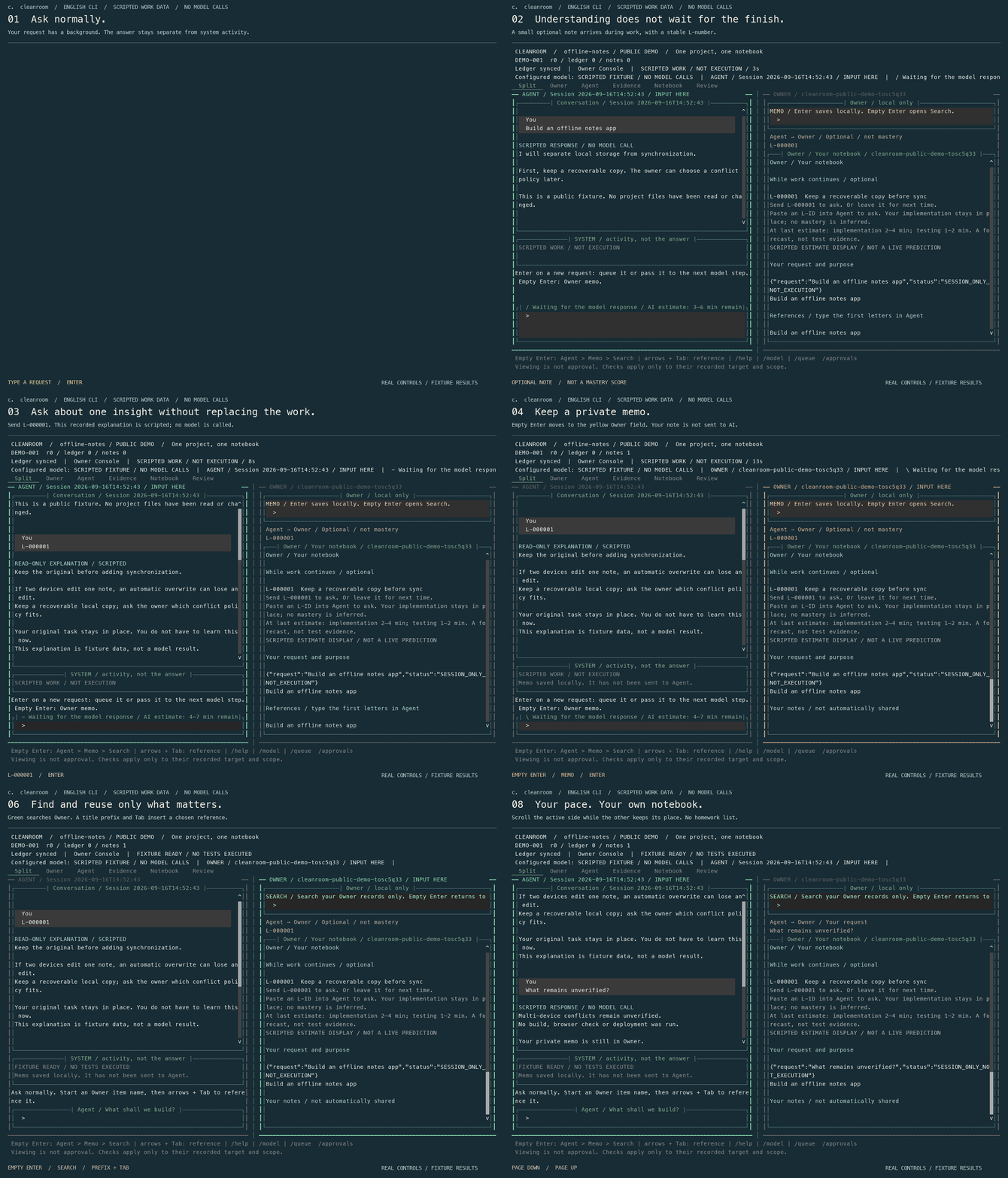
Source preview, not a certification of MVP completeness. The GIF uses scripted fixtures in the real CLI renderer; it is not a successful model benchmark. The browser playground is an in-memory interaction demo, not a remote shell.
Python 3.11+ · macOS / Linux · Windows via WSL2
git clone https://github.com/Ag3497120/cleanroom.git cleanroom
cd cleanroom
python3 -m venv .venv
source .venv/bin/activate
python -m pip install -e ./core
verantyx setup
verantyx
Requires Python 3.11+ and Git. Reactivate the environment in a new terminal.
Built on Vera Kernel, Cleanroom keeps project purpose, design decisions, verification methods, failures and technical understanding with the human while AI does most of the implementation. It is also a dictionary of what you want to understand later and what you choose to reference or delegate, plus a journal that connects those choices across projects.
Work in Agent. Keep purpose, decisions, assumptions, receipts and unknowns in Owner without writing a second report.
Start with your own experience and goals. Choose the amount, weight and timing of suggestions. Next time is a bookmark, not overdue homework.
Save explanations while work happens. Keep the full detail, explore it later, and build an experience journal and skills map across projects.
Work results and AI reflection are independent. Different models can offer different interpretations without erasing previous ones. AI procedure drafts are not proof that you have learned a skill. Skipping, delegating, or asking for help is not an ability judgment.
Ask in the lower-left Agent field. No new command language to learn.
Type at least the first two characters of an Owner item, choose with Up/Down, and press Tab to insert that reference. Enter selects an open suggestion, rather than sending the task.
Empty Enter moves to the yellow Owner memo, then the green Owner search, then back to Agent.
Owner notes and search do not call AI. Explicitly inserted references enter the request's send scope. Private project and personal records are not meant for public GitHub commits.
The name comes from the author's personal image of a cleanroom: an isolated sanctuary for human judgment. It is a metaphor, not an OS sandbox guarantee. This independently developed, non-commercially motivated project grew from a Japanese X post and the author's own unease about losing the experience of making things with AI.
Source preview, not a certification of MVP completeness. The GIF uses scripted fixtures in the real CLI renderer; it is not a successful model benchmark. The browser playground is an in-memory interaction demo, not a remote shell.
This site does not persist API keys or subscription tokens. Direct API calls require explicit consent. Provider retention and billing are separate. Use the CLI for actual development and official subscription connections.
Publication & privacy ↗Existing compute gateway (separate service) ↗